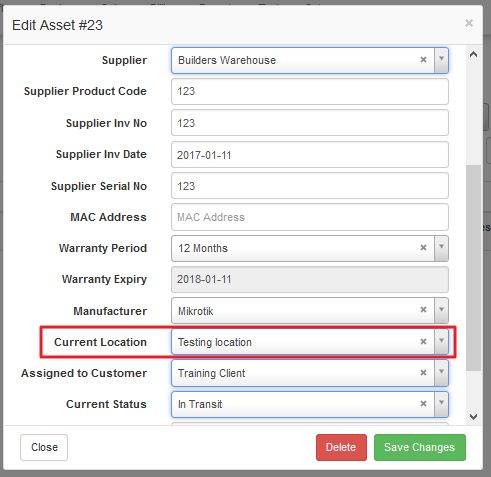
Highsite and asset register locations are managed under the asset register setup.
Adding or editing locations to be used in the asset register and for highsites.
- Go to Workflow –> Asset Register –> Setup –> Locations
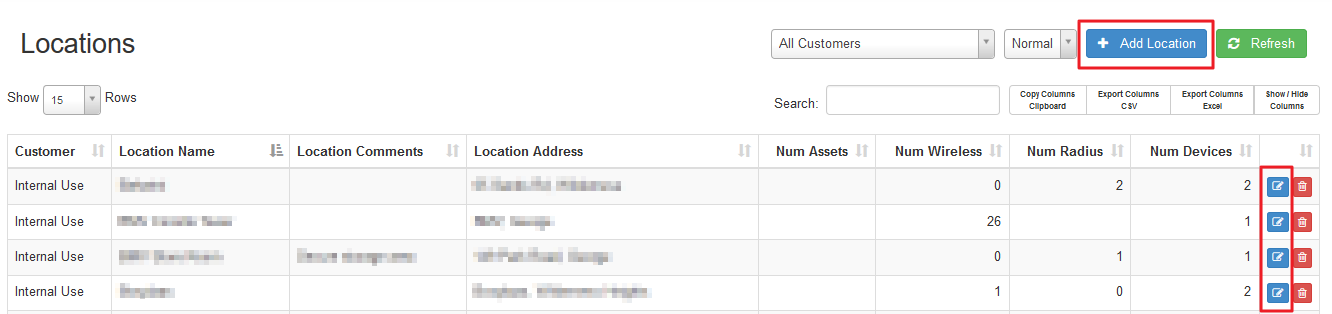
2. Add or edit locations.
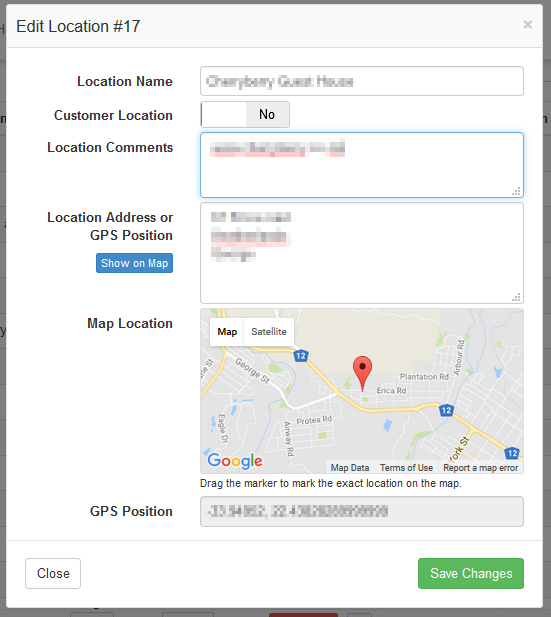
Now these locations can be used as highsite locations as well as asset register locations.
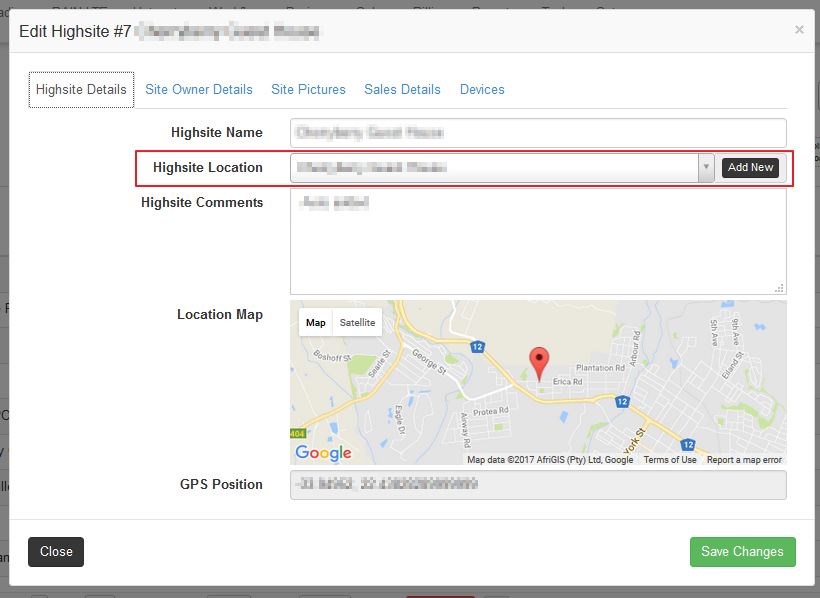
Using predefined locations in highsites:
- Go to Devices –> Highsites
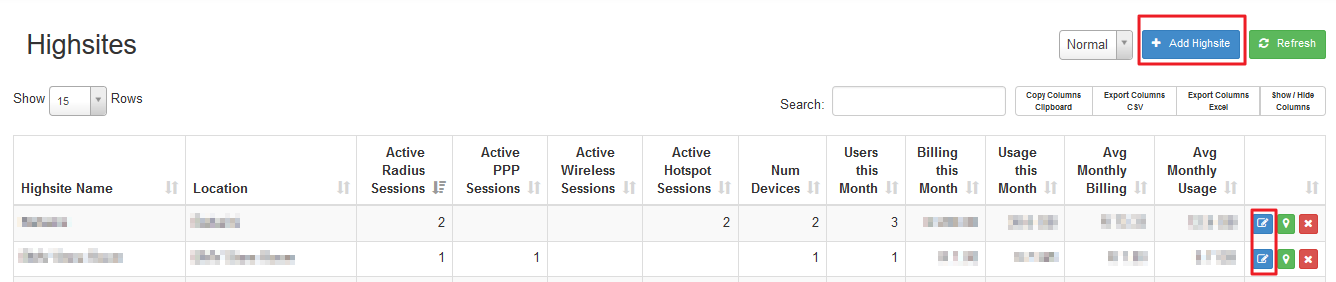
2. Add or edit highsite and choose a predefined location.
Using predefined locations in the asset register:
- Go to Workflow –> Asset Register –> Asset Register Functions –> Asset Register
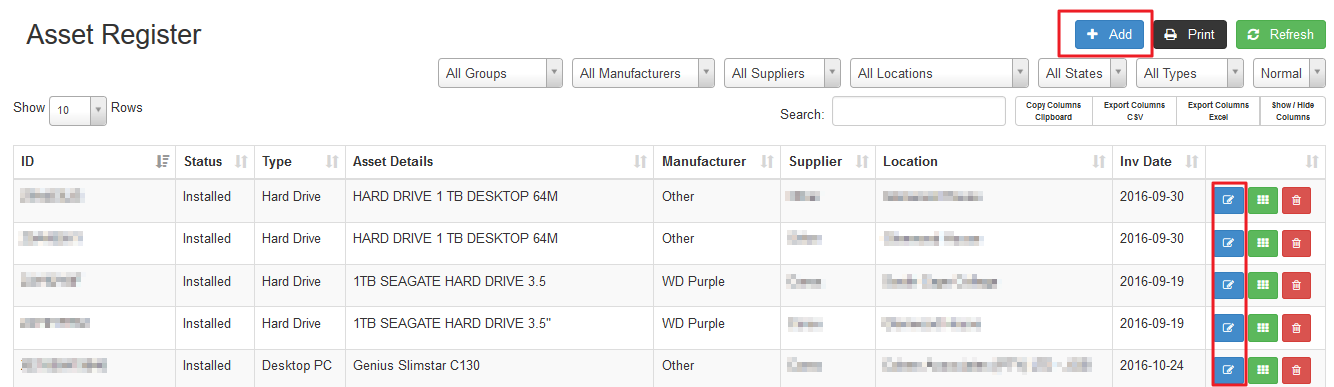
2. Add or edit assets and choose predefined location.